
 Ilan Asseo
AI Sales Forecasting Software: How to Evaluate Vendors
A practical, vendor-first guide to evaluate AI sales forecasting tools, with a defensible scorecard, vendor questions, and a 4–6 week pilot plan to prove.

Forecast calls are only as good as the system behind them. In 2026, most teams are no longer asking, “Should we use AI for forecasting?” They are asking a more expensive question: which AI sales forecasting software will your team actually trust, adopt, and improve over time.
This guide is a practical, vendor-first way to evaluate tools without getting trapped in demo theater. You will leave with a defensible scorecard, a short list of questions to ask every vendor, and a pilot plan that proves value before you commit.
Industry evidence: McKinsey estimates that generative AI could increase sales productivity by approximately 3 to 5 percent of current global sales expenditures, but only when teams pair models with strong data and operating discipline.
Source: McKinsey
Start with the job-to-be-done (not the model)
Vendors love to lead with “our model is more accurate.” Buyers should lead with how the forecast will be used.
Clarify which of these outcomes you need most:
- Commit reliability: reduce end-of-quarter surprises, tighten rep-level commit discipline.
- Pipeline coverage clarity: know whether you need more pipeline, better pipeline, or different pipeline.
- Deal risk visibility: spot slippage and downside early enough to act.
- Capacity planning: headcount, territories, and quota planning that does not collapse when assumptions change.
- Board and finance readiness: a forecast you can explain, audit, and defend.
If you are unsure, write down two sentences:
- “A forecast is good when ___.”
- “We will take action when the system says ___.”
If a vendor cannot connect their product to those sentences, accuracy claims will not matter.
Know which vendor category you are buying from
“AI forecasting” spans very different product types, and evaluation criteria change depending on the category.
| Vendor category | Best for | Typical strengths | Common tradeoffs |
|---|---|---|---|
| CRM-native AI (inside your CRM) | Teams that want minimal integration work | Fast time-to-value, familiar UI, native security model | Limited customization, tightly coupled to CRM data quality |
| Dedicated forecasting platforms | RevOps teams that want better rollups and risk views | Strong forecasting workflows, scenario planning, rep adoption features | Still depends on CRM hygiene, may add another system of record |
| Data science platforms or custom ML partners | Complex businesses with strong data teams | Maximum flexibility, bespoke features, unique data sources | Higher build and maintenance cost, requires governance maturity |
If you want a faster decision: CRM-native tools are often simplest, dedicated platforms often win on workflow, custom ML wins on flexibility (but only if you can operate it).
The vendor scorecard: what to evaluate (and what to ask)
Most buying mistakes come from evaluating the wrong layer. A forecasting system is not just a model, it is data, predictions, explanations, workflows, and governance.
Use the scorecard below to structure demos and procurement.
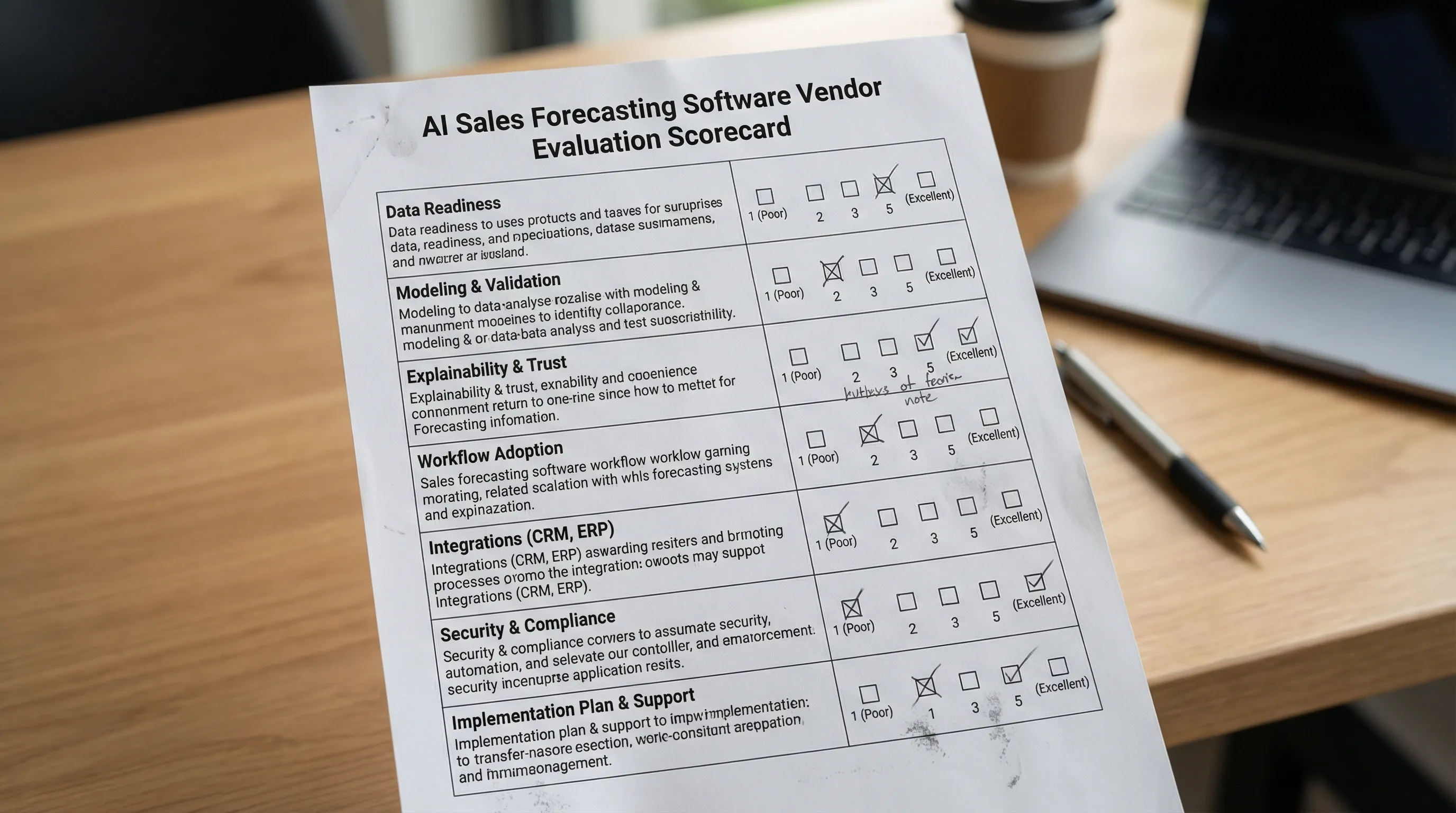
1) Data readiness and label integrity
Forecasting AI is extremely sensitive to what you feed it, especially the “truth” label (what counts as a win) and the as-of snapshot of what was known at the time.
What to evaluate:
- As-of data snapshots: can the system evaluate deals using the fields and activity “as they were” at each historical point in time?
- Label definition: are you predicting Closed Won, meeting held, stage progression, or something else?
- Field hygiene sensitivity: does the vendor help you diagnose which CRM fields are driving noise?
Questions to ask every vendor:
- “Show me how you prevent look-ahead bias (using future information) in training and backtests.”
- “What is the minimum viable CRM schema you need to start, and what do you recommend improving later?”
- “How do you handle missing values, inconsistent stages, and rep-specific process differences?”
2) Validation: accuracy, calibration, and backtesting
A vendor can show “high accuracy” and still be unusable if probabilities are not calibrated or if performance collapses by segment.
What to evaluate:
- Time-based backtesting: the tool should test on later periods than it trains on (not random splits).
- Calibration: if it says “70% likely,” does that cohort close about 70% of the time?
- Segment performance: enterprise vs SMB, new vs expansion, inbound vs outbound.
Questions to ask:
- “What metrics do you report by default (accuracy, precision/recall, calibration) and can I see them by segment?”
- “Do you provide confidence intervals or uncertainty bands for rollups?”
- “How do you detect drift and performance decay?”
If you want deeper methodology, Kakiyo has two implementation-focused pieces you can use to pressure-test vendor claims: AI Sales Forecasting: Methods, Models, and Accuracy and Sales Forecasting Using AI: A Practical Setup Guide.
3) Explainability that matches how your team sells
Sales teams do not adopt black-box scoring. They adopt reasons they recognize, tied to actions.
What to evaluate:
- Deal-level drivers: why this deal is up or down this week.
- Change tracking: what changed since the last forecast call.
- Evidence visibility: stage criteria, next step quality, stakeholder engagement.
Questions to ask:
- “For one opportunity, show the top drivers, the supporting evidence, and what a rep should do next.”
- “Can we audit explanations for a quarter after the fact?”
4) Workflow fit and adoption mechanics
Forecasting is a weekly habit, not a dashboard. Evaluate whether the product improves your operating rhythm.
What to evaluate:
- Forecast call workflows: rollups, rep submissions, manager adjustments, notes, and audit trails.
- Action paths: what the rep or manager does when risk is flagged.
- Permissions and accountability: who can override predictions, and is it logged?
Questions to ask:
- “Show me the rep experience on Monday morning, and the manager experience before forecast call.”
- “What is the smallest set of weekly behaviors you expect to change to get lift?”
5) Integrations and data movement
Forecasting touches CRM, enrichment, product usage (if applicable), and conversation systems.
What to evaluate:
- CRM write-back: can the tool write predictions, risk reasons, and forecast categories back to your CRM objects?
- Data warehouse support: can you export raw features, predictions, and explanations for analysis?
- APIs and event logs: required for observability and governance.
Questions to ask:
- “What objects do you read and write in our CRM, and how do you handle schema changes?”
- “Can we get an export of predictions and explanations for every opportunity, every week?”
6) Governance, security, and AI risk controls
Forecast outputs influence revenue reporting and comp behavior, so governance is part of product quality.
What to evaluate:
- Access controls: least-privilege permissions.
- Audit logs: overrides, configuration changes, model versioning.
- Data retention and privacy: especially if external activity or conversation data is used.
A useful reference framework for procurement conversations is the NIST AI Risk Management Framework (it will help you ask better questions about monitoring, accountability, and risk).
Questions to ask:
- “What is logged, for how long, and can we export the logs?”
- “How do you monitor and alert on model drift, performance regressions, or suspicious gaming?”
7) Implementation plan and ongoing operations
The fastest way to fail with forecasting AI is to treat go-live as the finish line.
What to evaluate:
- Data prep ownership: who cleans what, and what the vendor does versus you.
- Enablement: training plan for reps and managers.
- Continuous improvement: how often models update, how changes are communicated.
Questions to ask:
- “What does week 1 look like, and what does week 6 look like?”
- “Who on your side is accountable for our outcomes, not just tickets?”
A compact scorecard you can use in procurement
| Criterion | What “good” looks like | Evidence to request |
|---|---|---|
| Backtesting integrity | Time-based backtests, no look-ahead bias | Backtest report with methodology notes |
| Calibration | Probabilities match observed outcomes | Calibration plot by segment |
| Explainability | Drivers tied to recognizable sales evidence | Deal-level explanation screenshots and exports |
| Workflow adoption | Forecast call support, action paths, audit trails | Live demo of rep and manager flow |
| Integration depth | CRM write-back, warehouse export, stable APIs | List of read/write fields and sample payloads |
| Governance | Override logs, versioning, drift monitoring | Audit log sample and monitoring docs |
| Implementation realism | Clear roles, timeline, and prerequisites | Project plan with responsibilities |
How to run a vendor bake-off without wasting a quarter
A good bake-off is designed like an experiment. The goal is not “pick the vendor we like,” it is “prove measurable lift with controlled risk.”
Define success metrics before the first demo
Pick metrics that match your job-to-be-done. Examples:
- Commit accuracy at week-minus-4, week-minus-2, and week-minus-1.
- Slippage detection lead time (how many days earlier you see risk).
- Calibration quality by segment.
- Adoption: percent of reps submitting on time, percent of deals with actionable next-step evidence.
Ask for a “your data” evaluation, not a generic demo
A credible vendor should be willing to run a lightweight assessment on your historical data and show:
- What inputs they used.
- What performance looks like by segment.
- Which fields or behaviors are currently limiting accuracy.
Run a short pilot with an explicit operating cadence
A practical pilot is often 4 to 6 weeks because you need multiple forecast cycles, not just a one-time report.
| Pilot week | What you do | What you measure |
|---|---|---|
| 1 | Connect data, align labels, baseline current forecast | Data completeness, baseline error |
| 2 to 3 | Run parallel forecasts (AI vs existing) | Accuracy, calibration, rep friction |
| 4 to 5 | Turn on action plays for risk and slippage | Risk lead time, deal movement |
| 6 | Decide: scale, iterate, or stop | ROI narrative + operating plan |
Red flags that should slow down your decision
These patterns often show up in the tools that look impressive in demos and disappoint in production:
- No time-based backtesting explanation. If they cannot explain how they avoid training on future data, stop.
- Only one headline metric. “We are 20% more accurate” is meaningless without calibration and segment breakdowns.
- No action path. If the product cannot tell a rep what to do next, it becomes a dashboard that no one checks.
- Overreliance on stage. If most signal comes from stage and amount, you are just automating your current bias.
- Weak governance. Forecasting affects comp and reporting. You need auditability and override controls.
A 2026 edge: evaluate how vendors use leading indicators (especially conversation signals)
Many teams try to forecast from late-stage CRM fields alone. That can work, but it often detects risk too late.
A durable improvement is to incorporate leading indicators like:
- Speed and quality of first engagement.
- Stakeholder responsiveness.
- Evidence of a real problem and next steps.
- Meeting booked and held signals.
For LinkedIn-first outbound teams, conversation signals can be especially valuable because they capture intent earlier than pipeline stage changes.
This is where Kakiyo fits in the stack: Kakiyo is not forecasting software, but it can help improve the inputs that forecasting systems rely on by managing and structuring LinkedIn conversations from first touch to qualification to meeting booking. If your forecast is weak because pipeline quality is weak, improving qualification evidence upstream can make downstream predictions far more reliable.
If you are building toward an “evidence-based funnel,” these two Kakiyo resources can help:

Frequently Asked Questions
What is the difference between AI sales forecasting software and a forecasting spreadsheet? AI forecasting software typically uses historical patterns and leading indicators to produce probability-based forecasts, risk drivers, and rollups. Spreadsheets usually depend on manual rep judgment and static rollups, which can be harder to calibrate and audit.
What should I ask for in an AI forecasting vendor demo? Ask the vendor to walk through one real opportunity end-to-end: prediction, top drivers, what changed since last week, and the recommended action. Then ask to see time-based backtesting and calibration results by segment.
How do I evaluate forecasting accuracy correctly? Use time-based backtests (train on earlier periods, test on later periods), review calibration (probabilities match outcomes), and break results down by segment (SMB vs enterprise, inbound vs outbound, new vs expansion).
How long should an AI forecasting pilot run? Typically 4 to 6 weeks, because you need multiple forecast cycles to measure adoption, detect drift, and see whether risk alerts lead to better actions.
Can conversation data really improve forecasts? Often yes, because it captures intent and momentum earlier than CRM stage changes. The key is to make signals structured and auditable (for example: qualified conversation, meeting booked, meeting held), not just raw activity volume.
Want better forecast inputs from LinkedIn conversations?
If your team relies on LinkedIn-first outbound, one of the fastest ways to improve forecast quality is to improve qualification evidence and leading indicators before an opportunity even exists.
Kakiyo autonomously manages personalized LinkedIn conversations at scale, qualifies prospects, and helps book meetings, with controls like prompt customization, A/B prompt testing, intelligent scoring, conversation overrides, and a centralized real-time dashboard.
Explore Kakiyo here: https://www.kakiyo.com